
Coming to the App Store
Squeeze
your phone
to play.
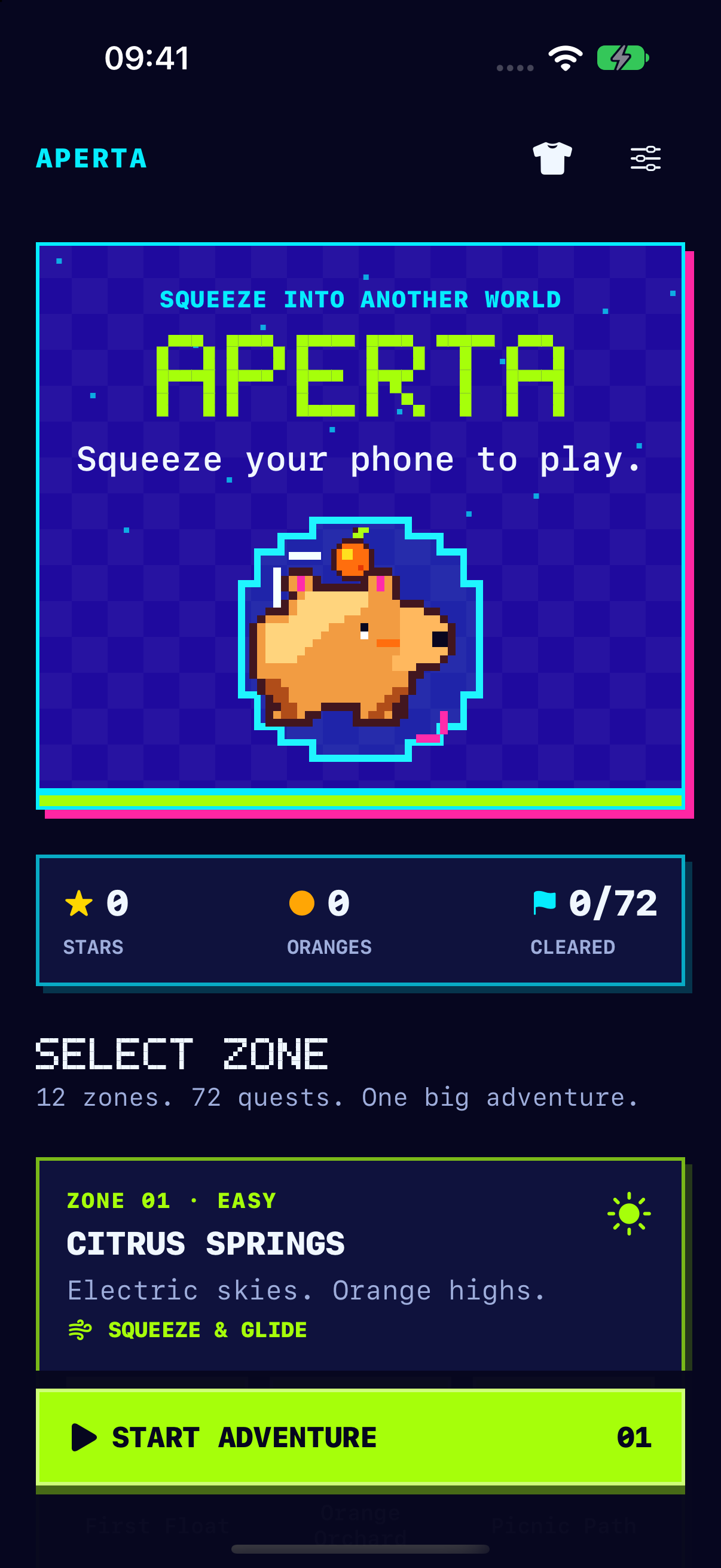
Meet Aperta. Your gentle grip guides this pixel capybara through the air and over the next obstacle.
See how to play
72quests to explore
12zones to discover
1gentle squeeze to jump
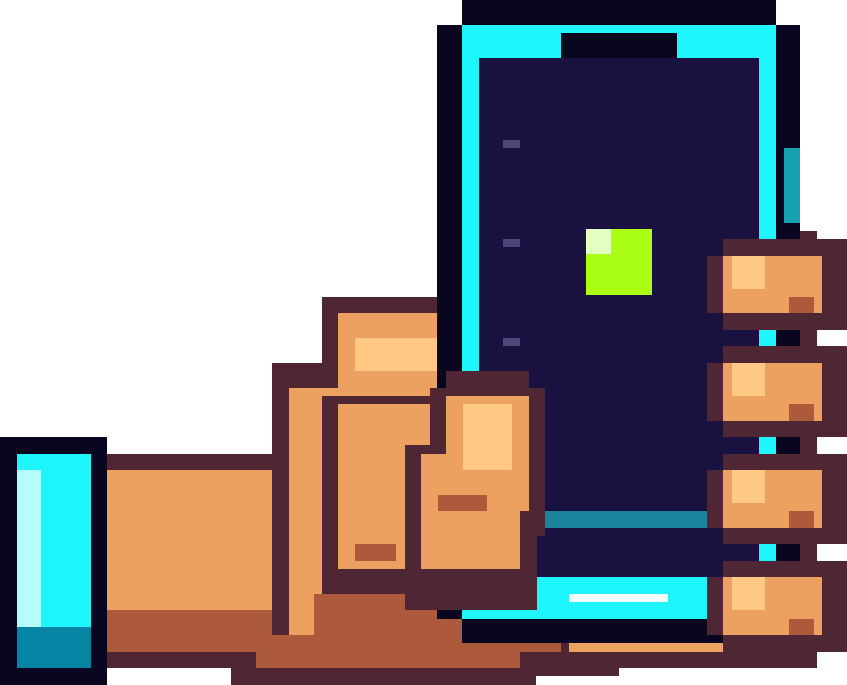
Hold comfortably.
Keep your fingers off the screen.
The phone
is your controller.
Aperta responds to how you hold and gently squeeze your iPhone. The controls change with the terrain.
- 01
Squeeze. Release. Launch.
A gentle squeeze pulls Aperta back. Ease off to start the adventure.
- 02
Find your flight.
Squeeze to rise. Ease off to glide down. Follow the oranges through the gaps.
- 03
Time the next jump.
Aperta runs automatically on the ground. Squeeze to jump, then ease off before the next one.
Touch the screen whenever you want to pause.
Pick a quest.
Go exploring.
All 72 quests are yours to try from the start. Move through 12 zones, collect oranges and earn stars as the scenery and challenges change.
Find your pace.
Choose Cozy mode for wider gaps and a slower pace. Your completed quests and earned stars stay saved on your iPhone.
Make Aperta your own.
Earn stars to unlock new looks for your capybara.
Play stays
on your iPhone.
Your squeeze signal is processed on the device. Aperta saves your progress locally and does not send gameplay or sensor data to us.
Getting started?
Find the grip, learn the controls and get help if something feels off.